
🔰 Introduction
The Google and Microsoft password warning issued in 2025 is a wake-up call for every internet user. Both tech giants are sounding the alarm about a sharp rise in stolen credentials, phishing attacks, and account takeovers — urging users to enable multi-factor authentication (MFA) and passkeys immediately.
According to Google’s Security Blog, phishing and credential theft account for 37% of successful cyber intrusions, while Microsoft’s Digital Defense Report confirms that MFA blocks over 99% of password-based breaches. Despite years of awareness, fewer than half of users have taken basic security steps.
If you still rely solely on passwords, your data, identity, and finances could be one click away from being compromised. This article breaks down everything you need to know about these warnings — and the exact actions you must take today.

💡 For more in-depth safety tips, read our post on Top Cybersecurity Practices for 2025.
⚠️ Why the Google and Microsoft Password Warning Matters
Cybercriminals are targeting user credentials more aggressively than ever. According to Google, 37% of successful account intrusions now originate from stolen passwords or phishing campaigns. The Google and Microsoft password warning is not just another routine notice — it’s a wake-up call to adopt modern authentication methods.
Microsoft’s latest Digital Defense Report states that even when hackers obtain valid credentials, multi-factor authentication blocks 99% of unauthorized access attempts. This figure, first reported in 2019, remains consistent — yet fewer than half of all users have enabled MFA today.
💡 The Core Message Behind the Google and Microsoft Password Warning
Both companies are stressing a simple truth: passwords alone are not enough.
Microsoft’s research shows that the rate of compromise for accounts using any form of MFA is under 0.1%, compared to millions of daily breaches for accounts protected by passwords alone.
Google, meanwhile, has invested heavily in passkey technology, which combines the strength of passwords with built-in hardware verification — making it almost impossible for hackers to break through.
Despite these advancements, adoption remains alarmingly low. The same Google study revealed that less than one-third of users have enabled passkeys, and less than half use MFA.
That’s why both companies are issuing direct, urgent warnings to all users in 2025:
If you don’t secure your accounts now, you will likely be compromised soon.
🔐 What Is MFA and Why It’s Essential
Multi-Factor Authentication (MFA) adds a second layer of verification to your login. Even if someone steals your password, they can’t access your account without this secondary check — such as a code from an app, fingerprint, or hardware key.
How MFA Protects You
-
Stops 99% of password-based attacks (Microsoft data)
-
Blocks unauthorized access even after credential theft
-
Protects accounts from phishing, keylogging, and brute-force attacks
Best MFA Tools
-
Google Authenticator and Microsoft Authenticator
-
YubiKey or Titan Security Key
-
Authy (cross-platform OTP manager)
⚠️ Avoid SMS-based MFA whenever possible — it’s vulnerable to SIM-swapping and interception.
🔑 The Rise of Passkeys: Google and Microsoft’s Smart Solution
Both companies now recommend passkeys — an evolved authentication method that merges passwords and MFA into one seamless process. The Google and Microsoft password warning emphasizes that passkeys link directly to your device’s hardware security, meaning that unless an attacker physically possesses your hardware, your account remains protected.
Steps to Enable Passkeys:
-
Visit your account settings
-
Enable “Passkeys” under the security section
-
Register your device and verify your identity
For detailed setup help, visit Google’s official passkey guide or Microsoft’s support page.
⚙️ How to Enable MFA and Passkeys on Google and Microsoft Accounts
🔸 Enable MFA on Google
-
Visit myaccount.google.com/security
-
Under “Signing in to Google,” choose 2-Step Verification
-
Use Google Authenticator or a Security Key
-
Enable Passkeys for passwordless login
🔸 Enable MFA on Microsoft
-
Go to account.microsoft.com/security
-
Open Advanced Security Options
-
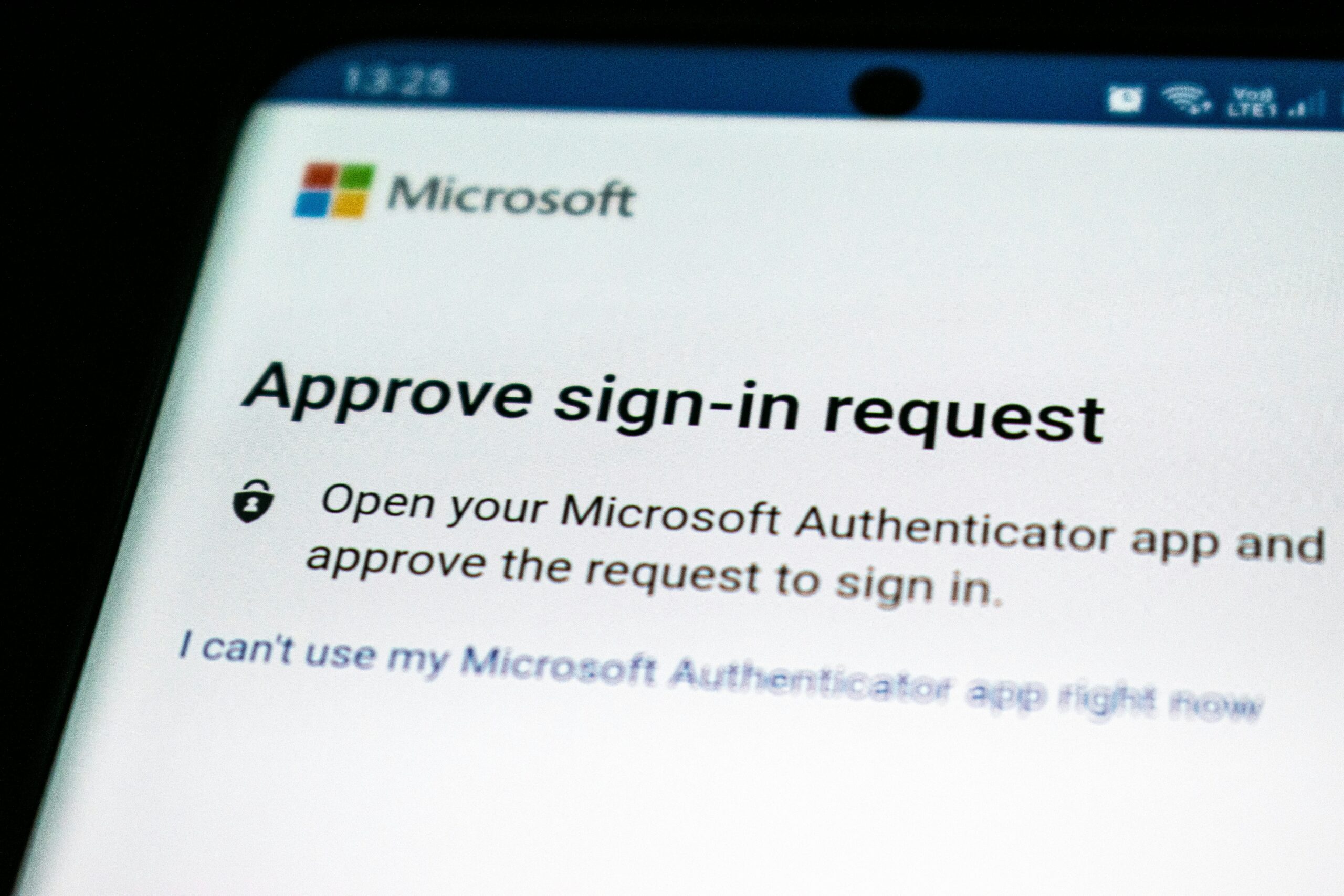
Add the Microsoft Authenticator App
-
Turn on Passwordless Sign-in (Passkey)
These settings take less than two minutes but can save your entire digital life.
📉The Global Credential Leak Problem
Microsoft revealed that, on average, each compromised username appeared in three separate leak databases. This underlines how widespread password leaks have become. The Google and Microsoft password warning reminds users to assume their passwords are already exposed — and to act now by enabling MFA or switching to passkeys.
To strengthen your defense, avoid browser-based password managers. Instead, use trusted tools like 1Password or Bitwarden, which store credentials securely and support passkey integration.
📊 Comparison Table: Passwords vs MFA vs Passkeys
| Feature | Password Only | MFA Enabled | Passkey |
|---|---|---|---|
| Security Level | Low | High | Very High |
| Protection from Phishing | Weak | Strong | Excellent |
| Device Authentication | Optional | Partial | Full |
| Ease of Use | Moderate | Moderate | Very Easy |
| Recommended by Google & Microsoft | ❌ | ✅ | ✅ |
👍 Pros & 👎 Cons
Pros:
-
Blocks 99% of unauthorized access attempts
-
Passkeys eliminate password reuse risks
-
Simple to set up and free to use
-
Supported across all major platforms
Cons:
-
Some older apps don’t support passkeys yet
-
SMS-based MFA can still be bypassed
-
Users may find initial setup confusing
-
Hardware-based methods require compatible devices
🚫 Why Most Users Still Ignore Security Warnings
Despite countless alerts, millions still ignore the Google and Microsoft password warning. Studies show that convenience often outweighs security — until a breach happens.
Hackers don’t target victims manually; they use automated scripts to exploit weak defenses.
A Forbes Cybersecurity Report shows over 10 million accounts face password attacks daily, with phishing and malware being the top entry points.
(Source: Forbes Cybersecurity Report)
🌐 Global Consequences of Ignoring the Warning
When credentials are compromised, the damage goes beyond personal loss. Businesses suffer financial, reputational, and data-related setbacks.
-
Identity Theft: Criminals impersonate users for profit
-
Business Email Compromise: Fake invoices and corporate fraud
-
Data Exposure: Sensitive files leaked publicly
Agencies like CISA and NIST now endorse passkeys as the next global standard for secure authentication. Adopting them early ensures long-term protection.
🧩 Quick Security Checklist for 2025
✅ Enable MFA on all accounts
✅ Switch to passkeys wherever available
✅ Use a dedicated password manager (not browser-based)
✅ Regularly check leaked credentials via Google’s “Password Checkup”
✅ Avoid clicking suspicious links or attachments
✅ Keep all devices and software updated
For more safety strategies, see our internal guide: PayPal Attack 2025.
❓ FAQs about the Google and Microsoft Password Warning
1. What is the main reason for the Google and Microsoft password warning?
Both companies report widespread credential thefts and leaks, urging users to adopt MFA and passkeys to prevent unauthorized access.
2. Do I still need MFA if my password is strong?
Yes. Even strong passwords can be stolen through phishing or data breaches — MFA adds an essential second layer.
3. How do passkeys improve security?
Passkeys replace passwords with device-based authentication, preventing phishing and credential theft.
4. Are SMS-based MFA codes safe?
They offer basic protection, but app-based or hardware-based MFA methods are much safer.
5. Can passkeys work across multiple devices?
Yes. They sync through secure cloud systems like Google Password Manager or iCloud Keychain.
6. What happens if I lose my phone with a passkey?
You can recover your account via backup devices or recovery options in your account settings.
🧾 Conclusion
The Google and Microsoft password warning isn’t just another reminder — it’s a critical security update for 2025. Passwords are no longer enough to keep you safe. Attackers are faster, smarter, and equipped with billions of stolen credentials.
But the fix is simple: enable MFA and adopt passkeys today. These tools are free, fast, and proven to block over 99% of cyberattacks.
Take control of your online security before hackers take control of you.
🚀 Ready to secure your online world?
Ready to secure your online world? Start with MFA and passkeys today.
Explore our expert guide: Online Security Habits for 2025 and learn how small changes deliver maximum protection.



1 Comments